How to Install Weather Experience Beta
Testing our iOS app via Apple TestFlight takes only a few moments. Follow these 3 simple steps on your iPhone:
Download Apple TestFlight
Open the App Store on your iPhone and download the free **Apple TestFlight** app. If you already have TestFlight installed, you can skip to Step 2.
Get TestFlight on App StoreAccept the Beta Invitation
Tap our official public invitation link on your iPhone to open the Weather Experience beta page in TestFlight:
https://testflight.apple.com/join/h6NvzeHQ
Accept InvitationInstall & Explore Forecasts
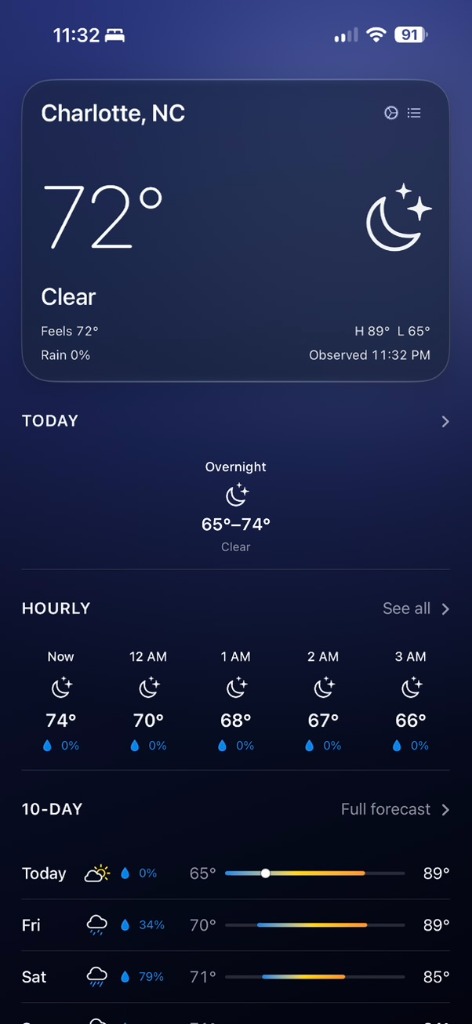
Tap **Install** inside the TestFlight app. Once downloaded, launch Weather Experience from your iPhone Home Screen to explore current conditions, 24-hour hourly forecasts, 10-day outlooks, and city search!
Experience Early iPhone Builds
Clean, straightforward forecasts with no sign-up required.
Have feedback on the beta?
You can send beta feedback directly through Apple TestFlight by taking a screenshot in the app, or visit our Support Center Form to leave notes for our team.
Visit Support Form